
 CallCline RSA LOST CITY WORLD · NOVEMBER 2004
Welcome back to the good old days.
Checking the world…
Latest News & Updates
A little nostalgia. A little CallCline. Read the news.
Main Features

Adventurer Services
Explore the Old World
The CallCline Chronicle

WEBSITE & PLAYER EXPERIENCE
The Homecoming update
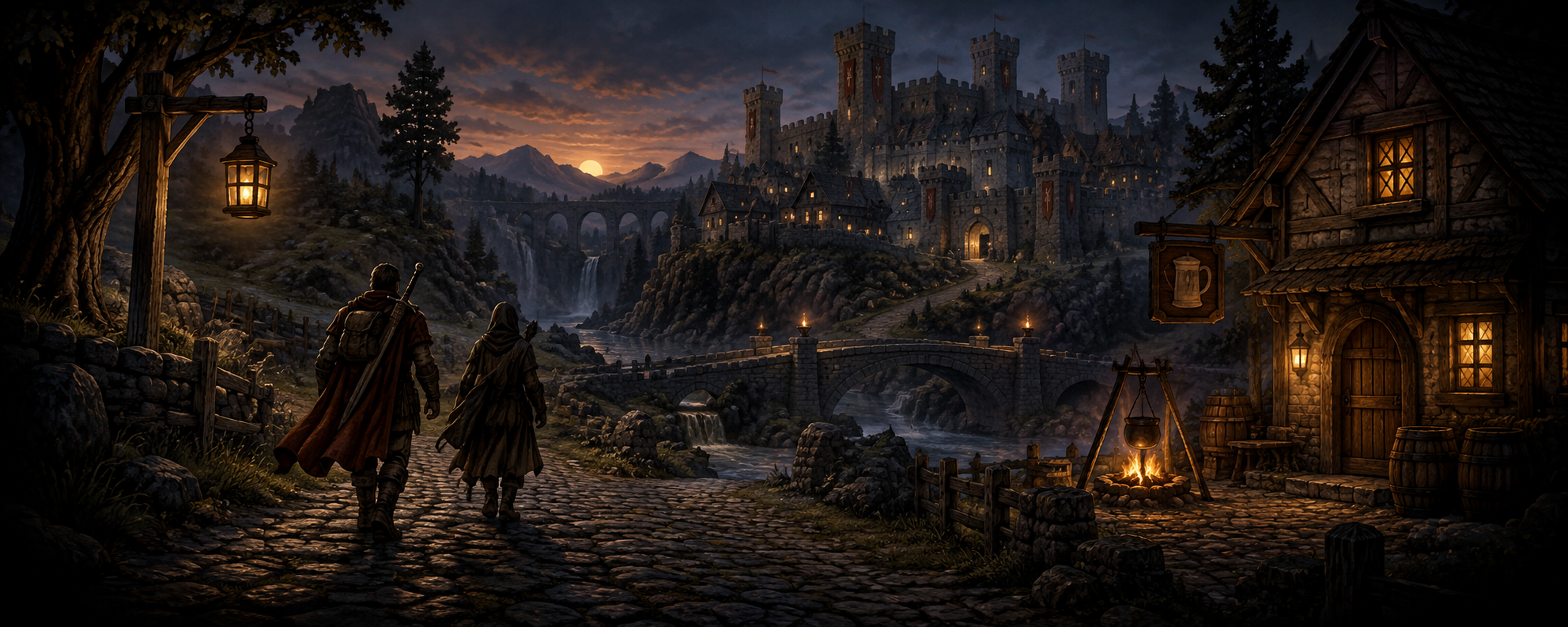
Some things stay with you: the first tree you chopped, that walk to Varrock, one more level before bed. This update brings that feeling to our own front door.
- A classic-style CallCline homepage, with news, a field guide and answers close at hand.
- A proper hiscores table, with skill rankings and individual character details.
- Account creation for new adventurers, followed by the familiar game login menu. Chris and Samantha keep their original characters.
- Homecoming, an original CallCline loading theme, with a simple sound choice.
- A fitted mobile game view, best-effort landscape fullscreen, and Focus mode.
Mobile browser capabilities vary. Actual phone gameplay testing remains in progress. Founders’ pre-maxed skills are labeled in the hiscores.
See you in Lumbridge.
— CallCline
Our world is open
CallCline RS, our own Lost City world, is open to adventurers. It brings the November 2004 members world to your browser. Chris and Samantha are our founding adventurers. This is the start of our own little chapter.
Player-facing changes get a dated Chronicle entry when they are released. Earlier news stays in the archive.
Hiscores · Hall of Legends
| Rank | Adventurer | Total level | Total XP | Combat |
|---|---|---|---|---|
| Fetching the hiscores… | ||||
Reading the latest saved characters.
Founder Chris and Samantha began with maxed skills and supplied items. Their totals include that starting boost.
Create Account · Your Story Starts Here
Make a name for yourself.
One account. One character. The same world on desktop or phone.
New adventurers start normally and earn their own levels. No purchase or membership payment is needed.
Use a password unique to this world. This classic client treats passwords as case-insensitive. Self-service password recovery is not available yet.
The CallCline Field Guide
Back to the basics
Find an oak, fill your pack, light a fire. Try fishing and cooking your own dinner. Even a maxed adventurer can enjoy the little rituals.
The cook needs a hand
Talk to the cook in Lumbridge Castle. Cook’s Assistant is a lovely way to rediscover quests at the pace of this earlier world.
Meet me in Varrock
Take the northern road from Lumbridge, explore the square, and stop by the bank. Bring a friend and pick your next destination together.
A Good Place to Play
The CallCline way
- Be kind. No harassment, threats, hate or sharing someone’s private information.
- Play fairly. No bots, exploits, disruption or attempts to break into accounts.
- Keep names and chat appropriate for a family-and-friends world.
- Use only your own character. Never ask for or share passwords.
This is a small, independent community world. Keep anything private out of public chat and character names. Account and gameplay records are retained to operate the game; public hiscores show character names and skills.
Help & Frequently Asked Questions
What kind of RuneScape world is this?
A personal, members-enabled Lost City world based on RuneScape 2 from November 2004. It has that era’s quests, skills and mechanics. CallCline adds its own welcome, original theme, mobile comforts and hiscores. This community project is independent of Jagex.
How do I create an account and sign in?
Choose Create Account, pick a name and password, then open Play Game and sign in. Chris and Samantha can keep using their existing accounts. Your character is shared between normal and low detail. These accounts belong to this world; an official RuneScape account will not work here.
Can my browser remember my login?
The game uses its original canvas login menu. Browsers may not offer password saving or autofill there. You can keep the login in your own password manager and enter it in the game when needed. There is no extra website sign-in form.
How do I use fullscreen on a phone?
Rotate to landscape, then use the game’s Fullscreen control. On supported browsers, the game also asks to stay in landscape. Browsers can refuse either request. Focus mode is the fitted-page alternative, with an Exit focus button. On iPhone, Add to Home Screen can reduce browser chrome; rotate the phone yourself if needed.
How do touch controls and typing work?
Tap to walk or interact. Hold for about half a second, then release, to open more options. Drag the scene to turn the camera. Tap a login or chat field to type. Under Controls, Hybrid keyboard uses the phone keyboard in the page and the game keyboard in fullscreen. Log out before reloading to change keyboard mode.
Where is the music?
Homecoming starts automatically when your browser allows it. If it is silent, tap the page or press a key to allow audio. Mute Homecoming here or mute the loading music in the game view; your choice and loading volume are remembered in this browser. The game starts automatically, and its classic music takes over after loading in Normal detail. Low detail omits in-game music and sound effects. Also check your device volume and silent settings.
How do the hiscores work?
The chart ranks overall total level, then XP, or a selected skill’s level and XP. It reads current characters and refreshes periodically. Open a name to see every skill. Chris and Samantha’s founder badges identify their pre-maxed starting stats; the chart does not claim those levels were earned through play.
What if loading stalls or a phone runs hot?
Keep the game tab visible while loading. If it reports a connection problem, check your connection and retry. Try low detail for a lighter session. Log out before changing detail or reloading. A fitted desktop-sized canvas has small text on a phone; landscape usually gives the best view.
Will my character and items be saved?
The world saves your character as you play and when you log out. Use the in-game logout button before closing the tab, changing modes or switching devices. Avoid opening the same character in two sessions at once.